
It doesn’t matter how organized or disorganized you are in 2020, as long as you have the application Evernote. This awesome application is a public relations professionals dream come true, you no longer have to worry about finding a pen or notes from that interview. Everything is at your fingertips; Evernote is a one-stop-shop for those in the PR industry. This application allows you to take notes, write down questions and thoughts, record voice memos, save photos, images, and files, and it even allows you to upload your files too! There is no need to worry about finding a pen that works or some extra paper for an assignment, Evernote is a great place to store that research that you found while on that flight back to your city or town.

Evernote is free to download, though if you’re looking to organize everything, it may cost you. The application offers a basic package, which is free, this allows the user to take notes, create “notebooks” so you can attach PDFs and documents, and organize clipped pages and images from the internet by date or title, share your “notebook” with others so they can edit your notes. This basic package has a limited space of 60MB for monthly uploads, 2 devices can use one account, and you can only use this application on a desktop if offline. The next package that Evernote offers is called Premium, it is $7.99 a month (it is currently on promotion for 40% off, expires 9/16/2020). This Premium package differs from the basic one, it allows you to forward emails into your Evernote account, scan business cards and create contacts, annotate PDF files, easily search for documents by using text, link Google Drive files, and much more. The Premium package offers users 10GB of month uploads, an unlimited number of devices can use one account, and this application can be used offline if the user is on desktop and/or mobile. A perk from this package is that Evernote offers consumer support via email and live chat if any issues should arise.
The third package that Evernote offers to their users is called Evernote Business, this account is $14.99 a month, and made for businesses. This package offers everything that I had stated before and then some. Unlike the other two packages offered, this one shares notes and “notebooks” with anyone at your business, allows for your team to work together on assignments or projects, can be viewed as a company bulletin board, and allows an upload of 20GB + 2GB/user. Just like the Premium package, an unlimited number of devices can use with one account and there is customer support made available through email and live chat. Evernote is always working on ways to improve the application, the newest beta they are testing is editing notes with others, in real-time. This is available just for the Business version, for the time being.
The best thing about this application is that it is very easy to use after downloading it. Simply enter your email, create an account, or enter a password, and you’re ready to go. Just be careful where you click, you could get put in a Premium package, after all of that Evernote shows you the basics and you’re ready to go. Don’t forget to link your Evernote with your computer so that way your notes transfer over. Another great perk is that the Evernote app can connect to the app Slack, and upon typing a command, the post will show up as a note in Evernote.
The worst part about Evernote is the limited access with the Basic plan. This plan may be free, but the monthly upload limit will fill quickly with images and documents. Why not take advantage of Evernote Premium and the promotion that is running? You could very easily turn a bad situation into a good one and save some money (Here’s a secret for the students out there reading this blog, they have a student discount, go to the Evernote webpage and scroll to the bottom. You’ll see a spot on the bottom left that says Student Discount, you can thank me later).
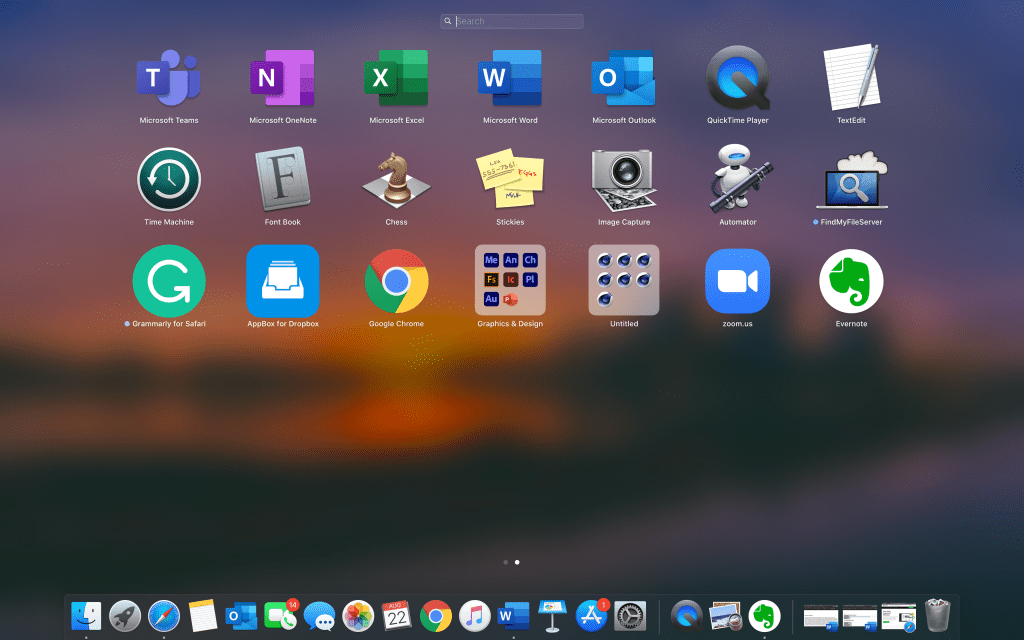
Evernote can be used by both Windows and Mac users who have the application that give users offline access to their notes. Android and iPhone users will also have applications ready to access your notes offline, though you will need the appropriate tier of service, as I stated up above. There is also a web application that works in all browsers (Chrome or Safari), this allows users access to their notes no matter what or where you are. Not all note-taking apps sync to a computer.
Overall, Evernote is an excellent choice for a public relations professional that is just starting their career or in the middle of it. This application will be around for a long time since it is easy to use, syncing with other applications, and it is reasonably priced. So, give it a try, send me a message on one of my socials (listed below), and tell me what you think.
References:
Brandall, B. (2017). The 15 Most Useful Evernote Alternatives for Notes, Screenshots and Documents. Retrieved on August 22, 2020, from: https://www.process.st/evernote-alternatives/
Duffy, J. (2018). Evernote Review. Retrieved on August 22, 2020, from: https://www.pcmag.com/reviews/evernote.
Evernote.com. (2020). Best Note Taking App – Organize Your Notes with Evernote. Retrieved on August 22, 2020, from: https://evernote.com
Tooley, A. (2016). Best Productivity Apps: PR Edition. Retrieved from Muck Rack, on August 22, 2020, from: https://muckrack.com/blog/2016/05/10/best-productivity-apps-pr-edition

Please review my Website


 Roxanne K Hafer's Mastery Journal